
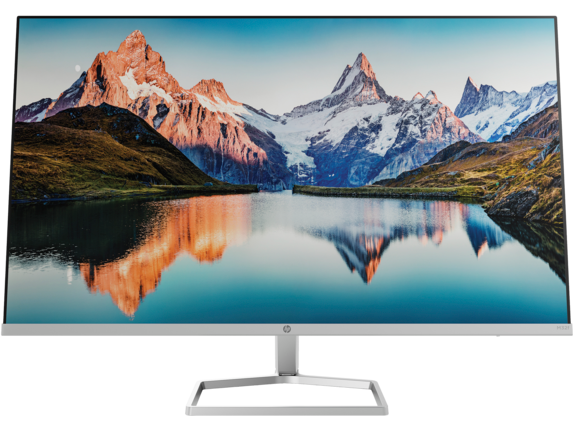
Product Overview:
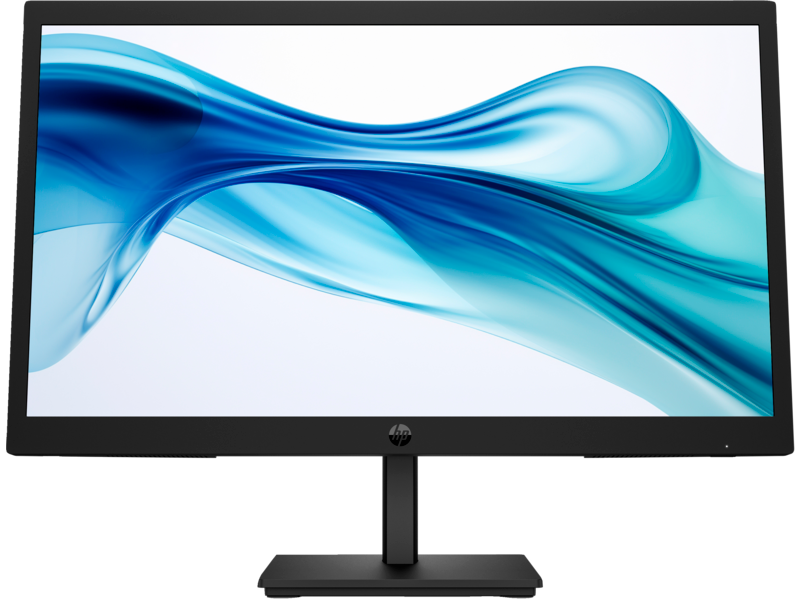
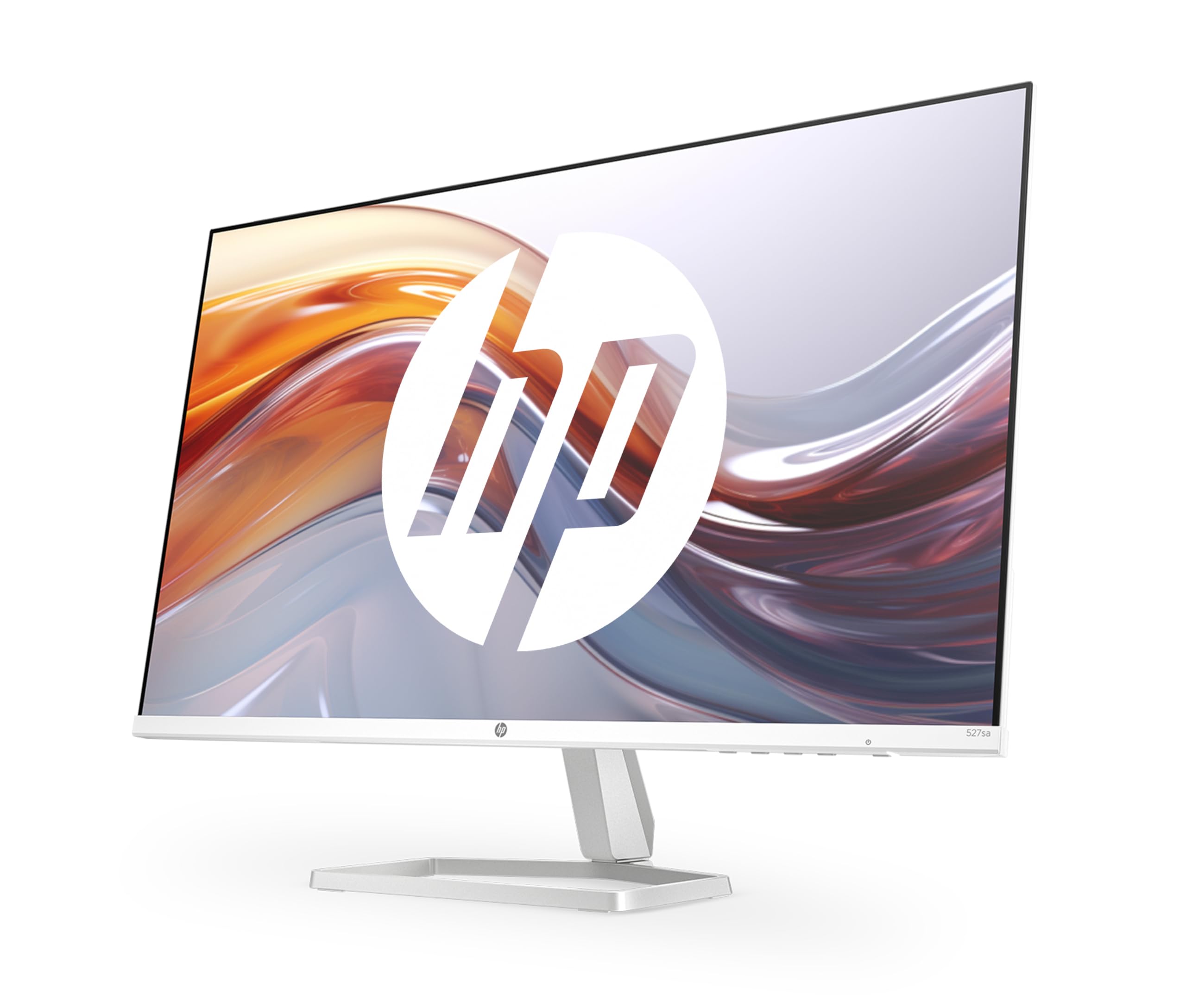
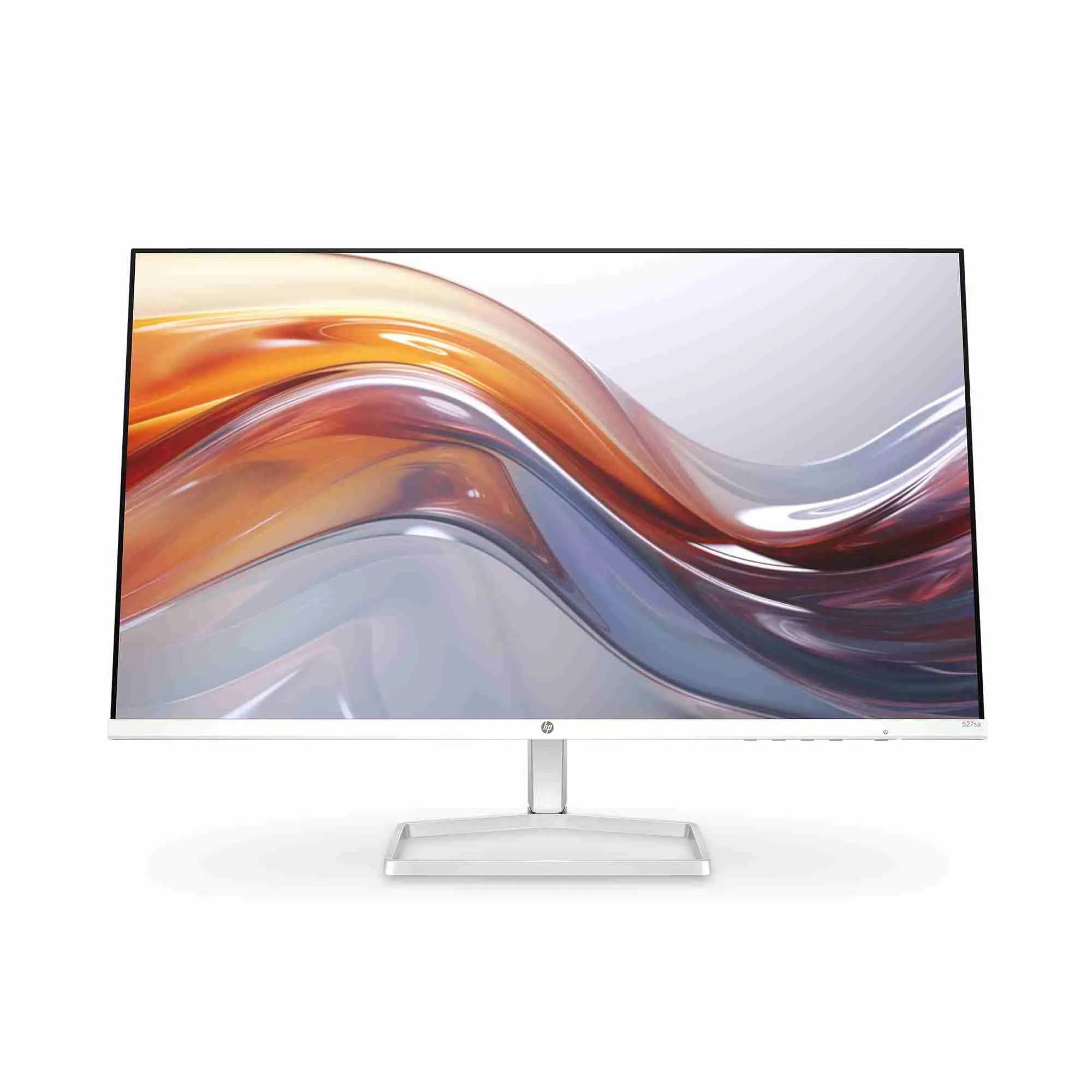
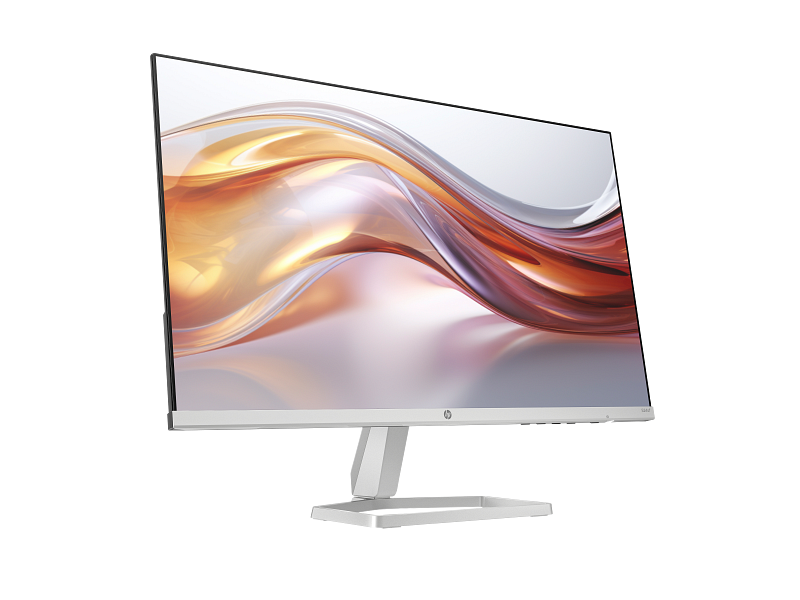
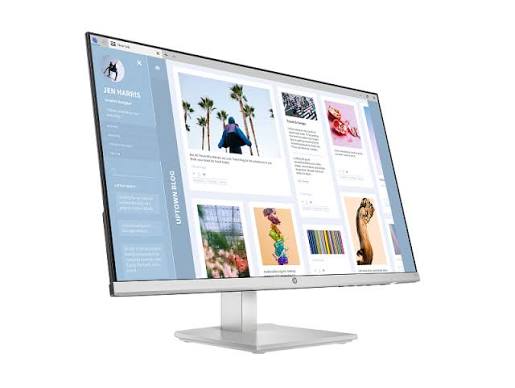
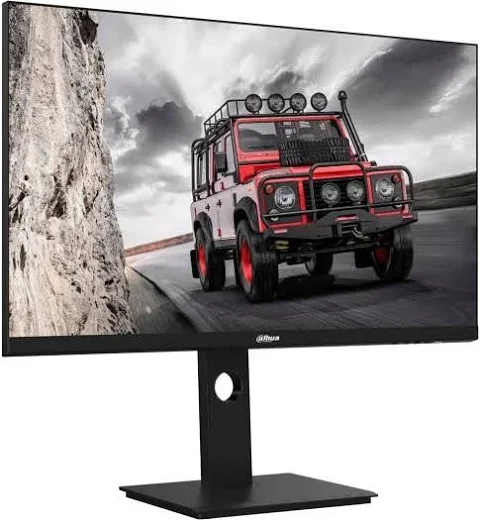
Display Size: The HP M32f features a large 31.5-inch screen, offering an expansive viewing area that enhances productivity and immersion in multimedia content.
Resolution: The monitor provides Full HD resolution of 1920 x 1080 pixels. This resolution ensures clear and sharp images, making it suitable for both professional tasks and entertainment.
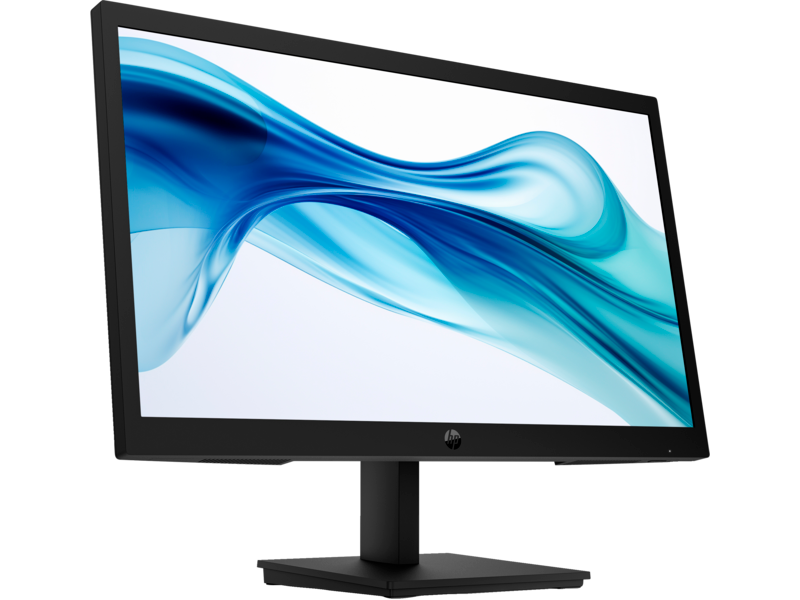
Panel Type: The M32f uses an IPS (In-Plane Switching) panel. IPS panels are known for their wide viewing angles and accurate color reproduction, making the monitor ideal for tasks that require color precision and consistent image quality from various angles.
Brightness and Contrast: The monitor typically offers a brightness level of around 300 nits and a contrast ratio that provides vivid and dynamic visuals. These features enhance the clarity and depth of images and text.
Viewing Angles: With its IPS panel, the HP M32f provides wide viewing angles, typically up to 178 degrees both horizontally and vertically. This ensures that the display remains clear and accurate from different viewing positions.
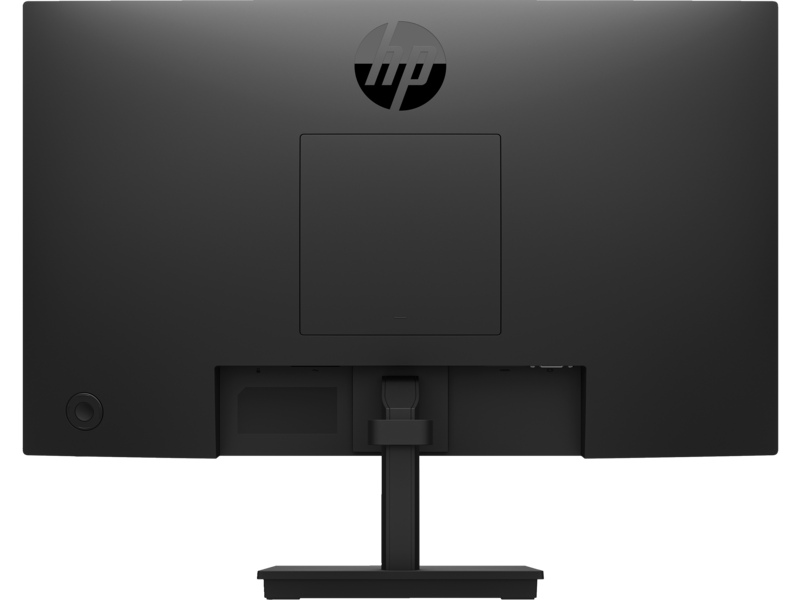
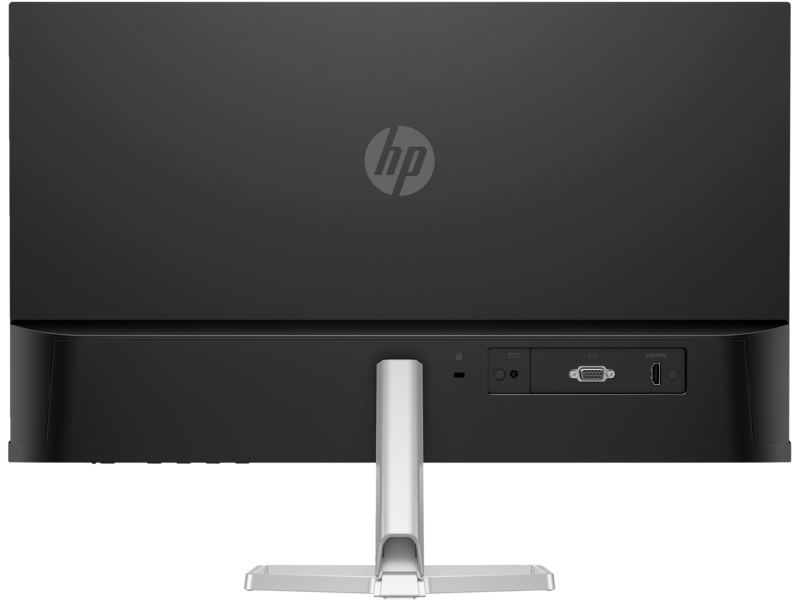
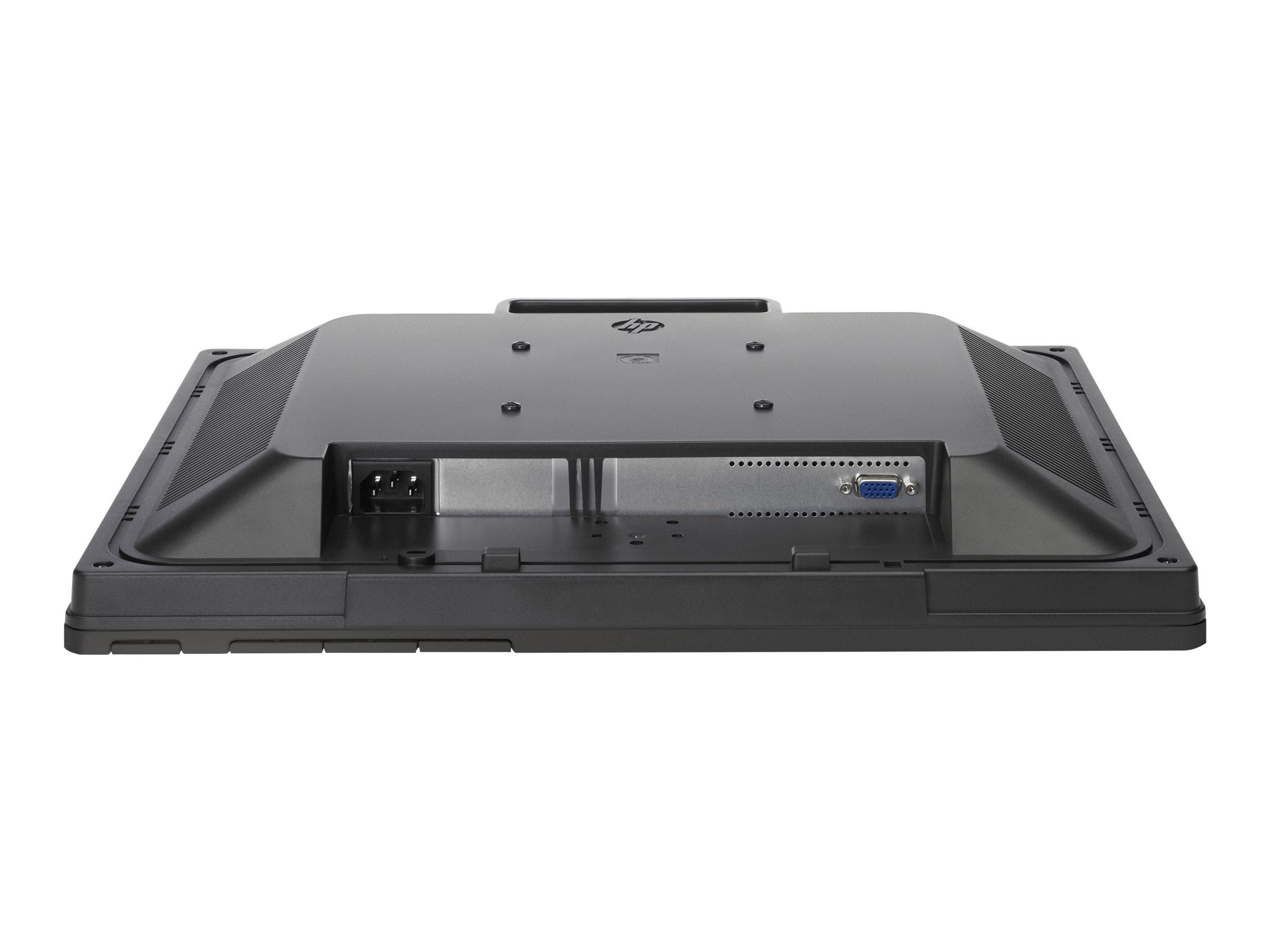
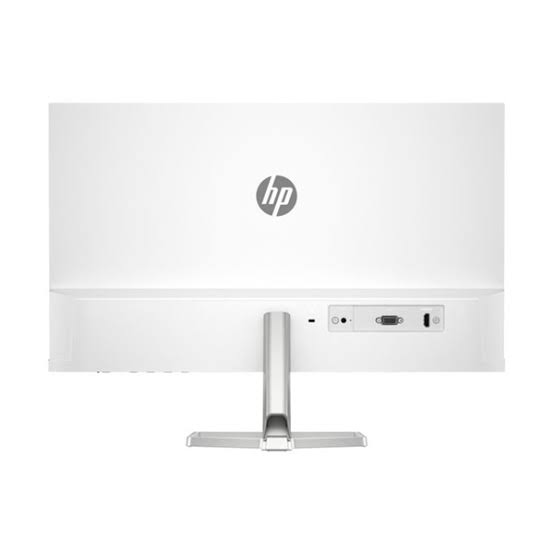
Connectivity: The HP M32f includes a range of connectivity options, such as HDMI and DisplayPort. These ports allow for easy connection to various devices, including computers, laptops, and gaming consoles.
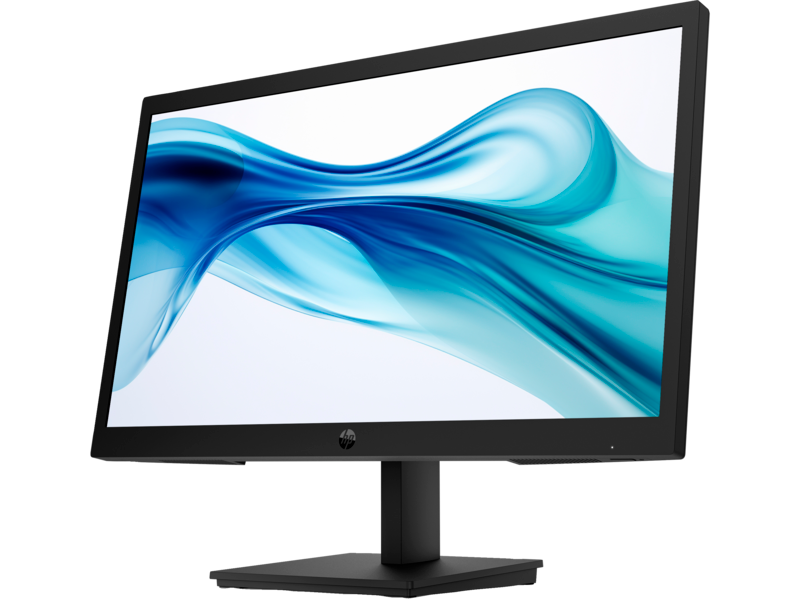
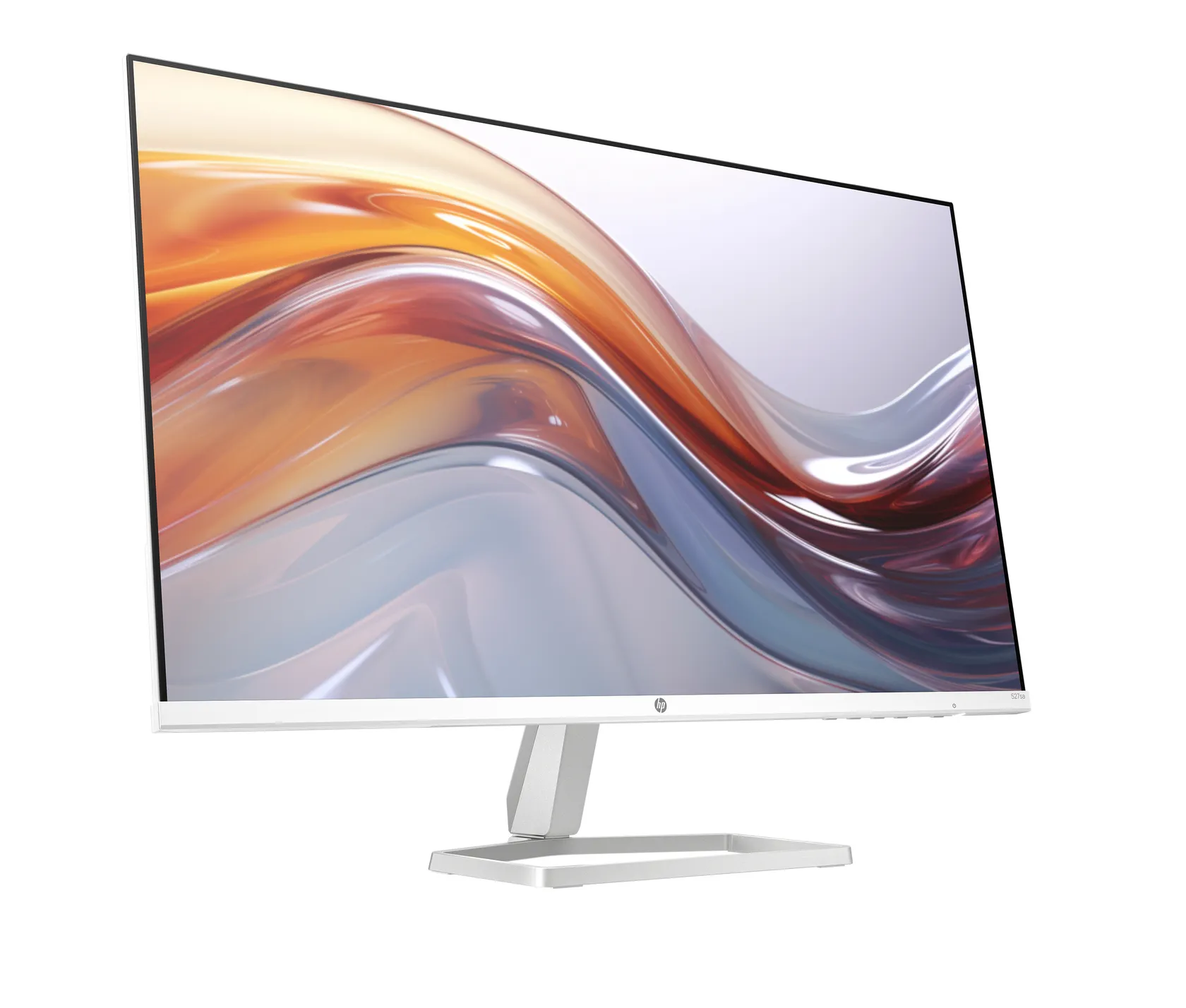
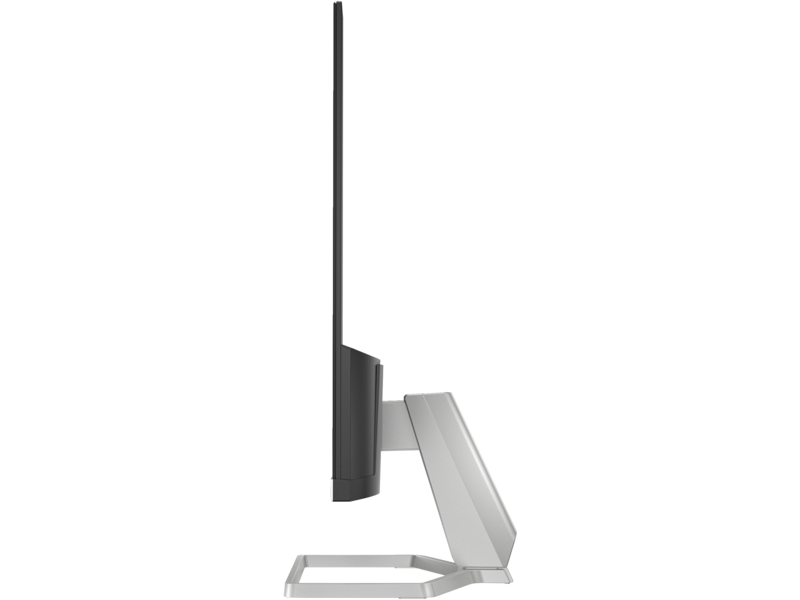
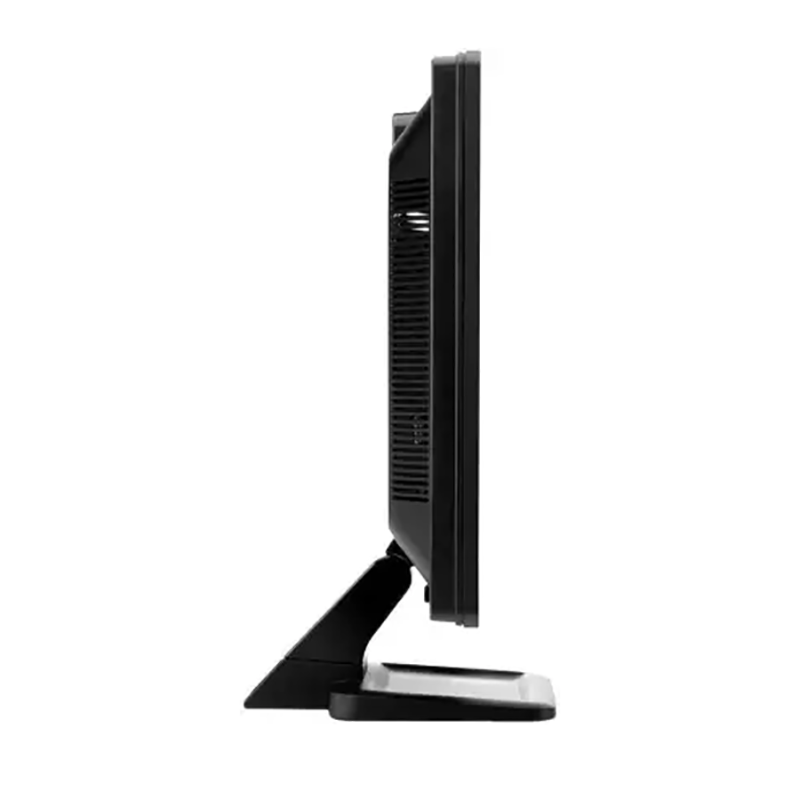
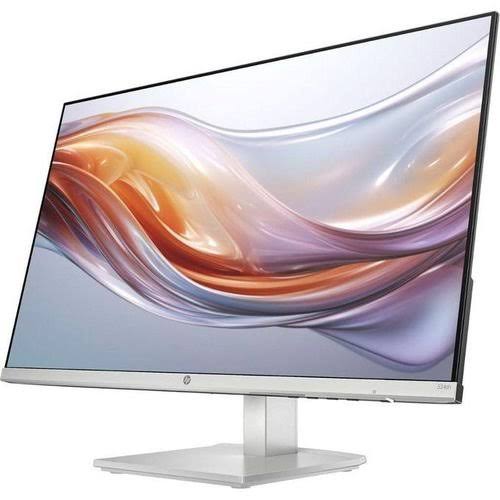
Ergonomics and Adjustments: The monitor comes with a stand that allows for basic tilt adjustments, enabling users to adjust the angle of the screen for better viewing comfort. However, it may lack features like height adjustment, swivel, or pivot.
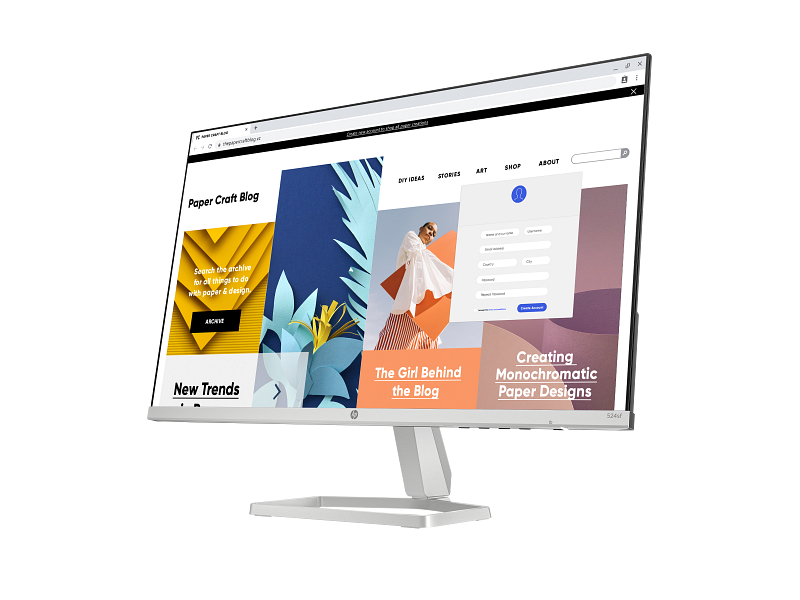
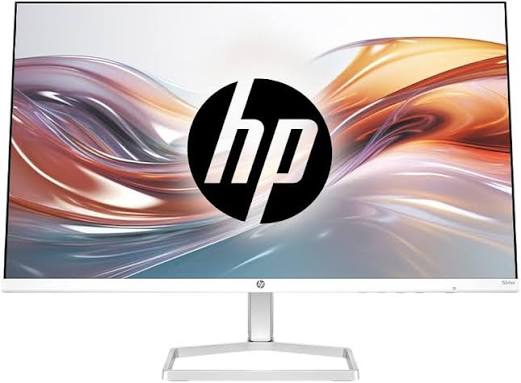
Design: The monitor features a modern design with slim bezels, which helps to maximize screen space and create a more immersive viewing experience. Its large display makes it suitable for multitasking and enhanced visual experiences.
Energy Efficiency: The HP M32f is designed with energy efficiency in mind, incorporating features like LED backlighting to reduce power consumption compared to older LCD technologies.
Additional Features: Depending on the specific model, the monitor may include additional features such as built-in speakers, blue light filters to reduce eye strain, and various preset display modes for different types of content.